Password Requirements and Recommendations
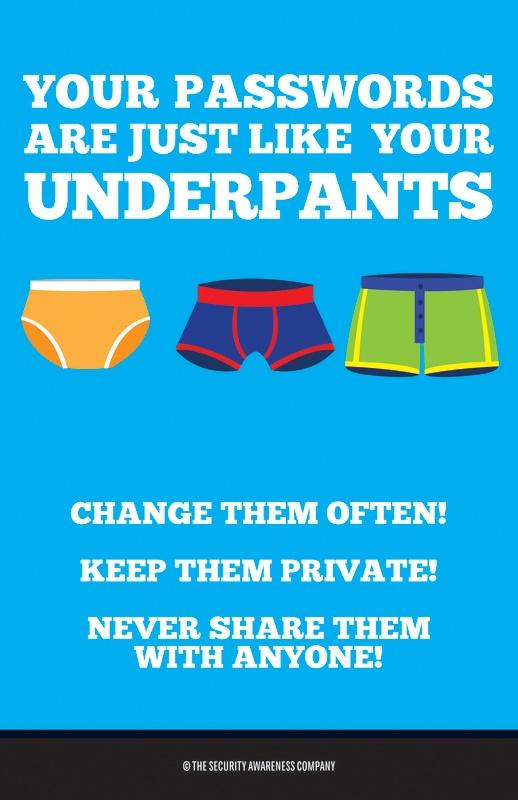
A strong password is often all that stands between a hacker and the information in your account. As a student, that means any information you might have shared or information a fellow student as shared with you. As a Sauk employee, that can mean not only your information but the information of students and other employees, so it is doubly important to ensure that your password is strong and secure.
Password General Information
- You will need to select a new password prior to logging in the first time.
- From the SVCC Login page, click the Request a Password Reset link.
- Enter your Student ID Number and click "Send my code."
- You will recieve a code on your Mobile device to verify your identity.
- Once you have verified your identity, you will be prompted to select a new password and select new security questions and answers.
- Faculty and Staff can update their Password by either:
- Pressing Ctrl + Alt + Del on your Sauk Windows computer and clicking "Change Password"
- Using the online password change tool
Password Complexity Requirements
- Passwords must be at least 10 characters long.
- Passwords may NOT contain the user's Account Name / User Name.
- Password may NOT contain common, insecure phrases such as: 'password', 'asdf' or 'qwerty'
- Password may NOT be a previously used password.
- Passwords must contain characters from 3 of the following categories:
- Uppercase letters
- Lowercase letters
- Numbers (Base 10 digits, 0 - 9)
- Non-Alphanumeric Characters (Special Characters) such as: (~!@#$%^&*_-+=`|\(){}[]:;"'<>,.?/)
- Alphabetic Unicode Characters that aren't considered Upper or Lowercase. Such as foreign language characters from the Asian Lanugage set.
Choosing a good password
- Longer is always better! Consider using a passpharase such as "Those ITS folks are great"--that makes for a long password that is easy to remember.
- Mixing in special characters, numbers, and upper- and lower-case letters is a bonus; again, you can mix this into a sentence such as "Our ITS department is 100% awesome!"
- Using 133t $p3@k or adding a number to the end doesn't really make your password more secure. "p@ssw0rd" and "password123" are just as easy to hack as "password."
- Don't use the same password for everything. Consider using a password manager to generate random passwords and store them securely.